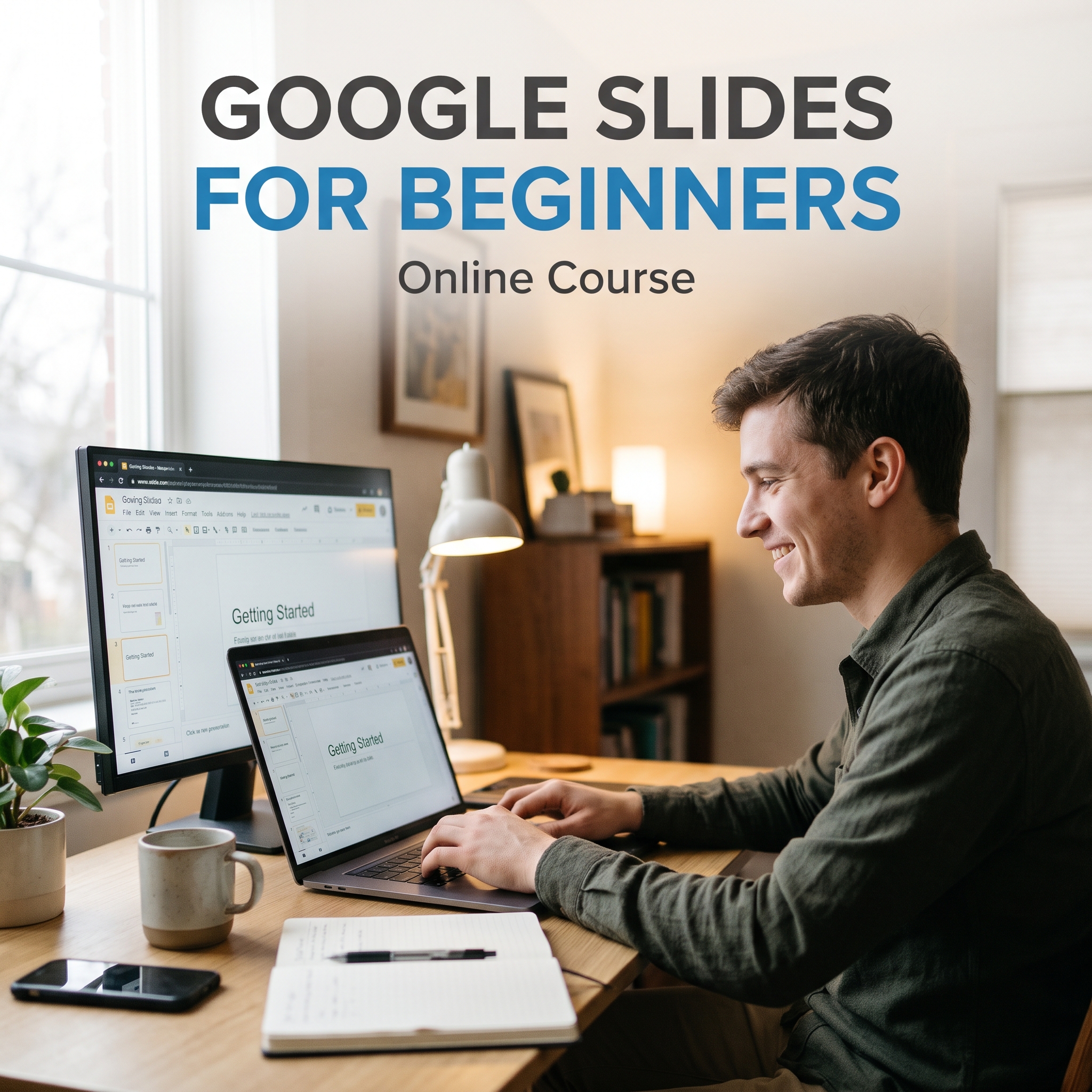
Description
Google Slides for Beginners – Learn to Create Professional Presentations
Want to create your own presentations but don’t know where to start?
Google Slides is a free, easy-to-use online presentation tool that allows you to create, edit, and share presentations from anywhere. Whether you are a student, teacher, government employee, or working professional, learning Google Slides can help you communicate your ideas more effectively.
This beginner-friendly online course introduces you to Google Slides through simple explanations and practical demonstrations. You will learn everything you need to get started and create attractive presentations with confidence.
What Will You Learn?
1. Introduction to Google Slides
- What is Google Slides?
- Accessing Google Slides using a Google account
- Understanding the Google Slides interface
- Creating a new presentation
- Opening and managing presentations
2. Creating and Managing Slides
- Adding and deleting slides
- Choosing different slide layouts
- Duplicating and rearranging slides
- Working with text placeholders
- Organising your presentation
3. Formatting and Designing Slides
- Formatting text, fonts, and colours
- Applying themes and layouts
- Changing slide backgrounds
- Using colours and design elements
- Creating clean and attractive slides
4. Adding Images and Visual Elements
- Inserting pictures and images
- Adding shapes and lines
- Working with icons and diagrams
- Inserting tables
- Using visual elements effectively
5. Adding Charts and Diagrams
- Creating basic charts
- Inserting diagrams
- Presenting information visually
- Formatting charts and tables
6. Basic Animations and Transitions
- Applying slide transitions
- Adding simple object animations
- Adjusting animation effects
- Using animations appropriately
7. Saving, Sharing and Collaboration
- Understanding automatic saving
- Organising presentations in Google Drive
- Sharing presentations with others
- Understanding viewer, commenter, and editor permissions
- Collaborating with others in real time
8. Presenting and Downloading
- Starting a slideshow
- Using Presenter View
- Adding speaker notes
- Downloading presentations as PDF
- Exporting presentations to Microsoft PowerPoint
Who Should Enrol?
This course is ideal for:
- Beginners with no previous Google Slides experience
- School and university students
- Teachers and lecturers
- Government and private-sector employees
- Administrative and management staff
- Anyone interested in developing digital presentation skills
Why Choose This Course?
- Designed specifically for beginners.
- Simple, step-by-step practical demonstrations.
- No advanced technical knowledge required.
- Develop useful presentation skills for education and the workplace.
- Learn to create and share presentations online.
Start Your Learning Journey Today!
You don’t need to be a presentation expert to create impressive slides.
Learn the basics of Google Slides, develop your digital skills, and start creating presentations with confidence.
Enrol today and create your first professional presentation!